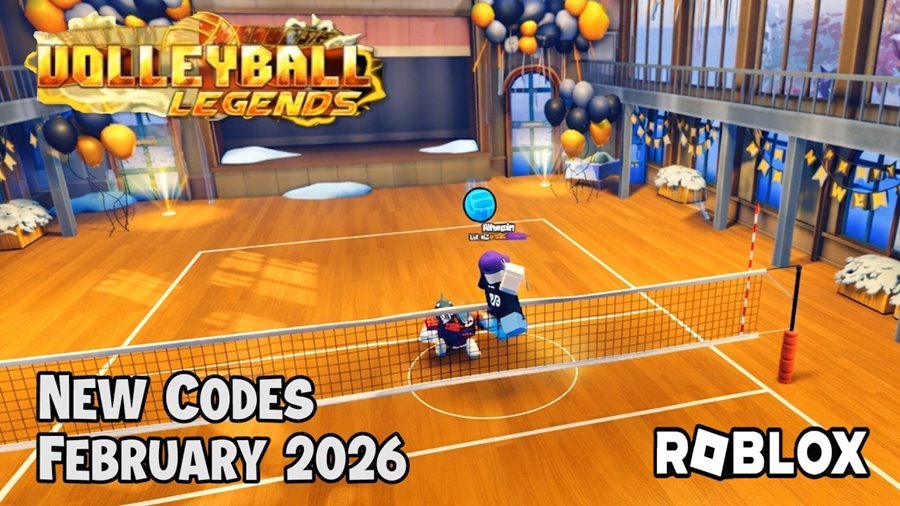
As of February 14, 2026, Volleyball Legends (formerly known as Haikyuu Legends) has rolled out its massive Season 12 update—and it’s one of the biggest patches yet.
Active Volleyball Legends Codes
These codes are confirmed working as of today. Developers typically release them during major updates—so redeem them before the next patch rotates them out.
- UPDATE_56
Reward: 5 Lucky Style Spins
Status: NEW - LEAD_FEET
Reward: 5 Lucky Ability Spins
Status: NEW - LIMITED_ABILITY
Reward: 5 Lucky Ability Spins
Status: NEW - UPDATE_55
Reward: 5 Lucky Style Spins
Status: Active - CUSTOM_JERSEY
Reward: 5 Lucky Style Spins
Status: Active - STYLISH_SUIT
Reward: 5 Lucky Ability Spins
Status: Active
Common Expired Codes
UPDATE_54, AKARI_NINJA, DOUBLE_DASH, UPDATE_53, NEW_YEAR, SET_DUMP
Reminder: Codes are case-sensitive. If UPDATE_56 doesn’t work, double-check for extra spaces at the end.
February 2026 Update Highlights: Season 12 & The Jinko Meta
Season 12 isn’t just about free spins—it’s a full refresh of the competitive scene.
Ranked Reset Is Live
The new season introduces a ranked reset, giving everyone a fresh start. If you’ve been stuck in Silver, now’s your chance to push for Diamond on the new leaderboards.
Limited Stock Jersey
A new exclusive jersey has been added to the shop. It’s high demand and expected to sell out within the first 48 hours of the update—so don’t wait too long if cosmetics matter to you.
Style Balancing Changes
Several underperforming styles received quiet (but noticeable) buffs.
Players are reporting that:
- Yogan
- Hidari
now feel significantly faster during mid-air transitions, making them much more viable in competitive matches.
Level 15 Requirement
New players should note: you must reach Level 15 before the “Codes” button becomes available. Play matches, gain XP, and unlock the feature before attempting to redeem spins.
How to Redeem Codes in Volleyball Legends
The redemption option is located inside the shop menu:
- Launch Volleyball Legends on Roblox.
- Reach Level 15 (if you haven’t already).
- Click the Shop icon on the bottom toolbar.
- Select the purple “Codes” button on the left side.
- Enter your code and press “Use Code.”
Your spins will be added instantly.